The primary coordinate function. Supports zooming, flipping, fixed aspect ratio, and coordinate transformations – all through parameters.
Usage
project_cartesian(
  plot,
  xlim = NULL,
  ylim = NULL,
  expand = TRUE,
  flip = FALSE,
  fixed = NULL,
  coord_trans = NULL,
  clip = "on",
  ...
)
Arguments
- plot
A plotit object.
- xlim, ylim
Axis limits (zoom).
NULL= auto.- expand
If
TRUE, add default expansion padding;FALSEorc(0, 0)to remove.- flip
If
TRUE, swap the x and y axes.- fixed
Aspect ratio (
y / x).NULL= free;1= square.- coord_trans
Transformer for coordinate system (e.g.
"log10","sqrt",scales::exp_trans()).NULL= identity.- clip
Should drawing be clipped to the panel?
"on"or"off".- ...
Passed to the underlying
coord_*function.
Examples
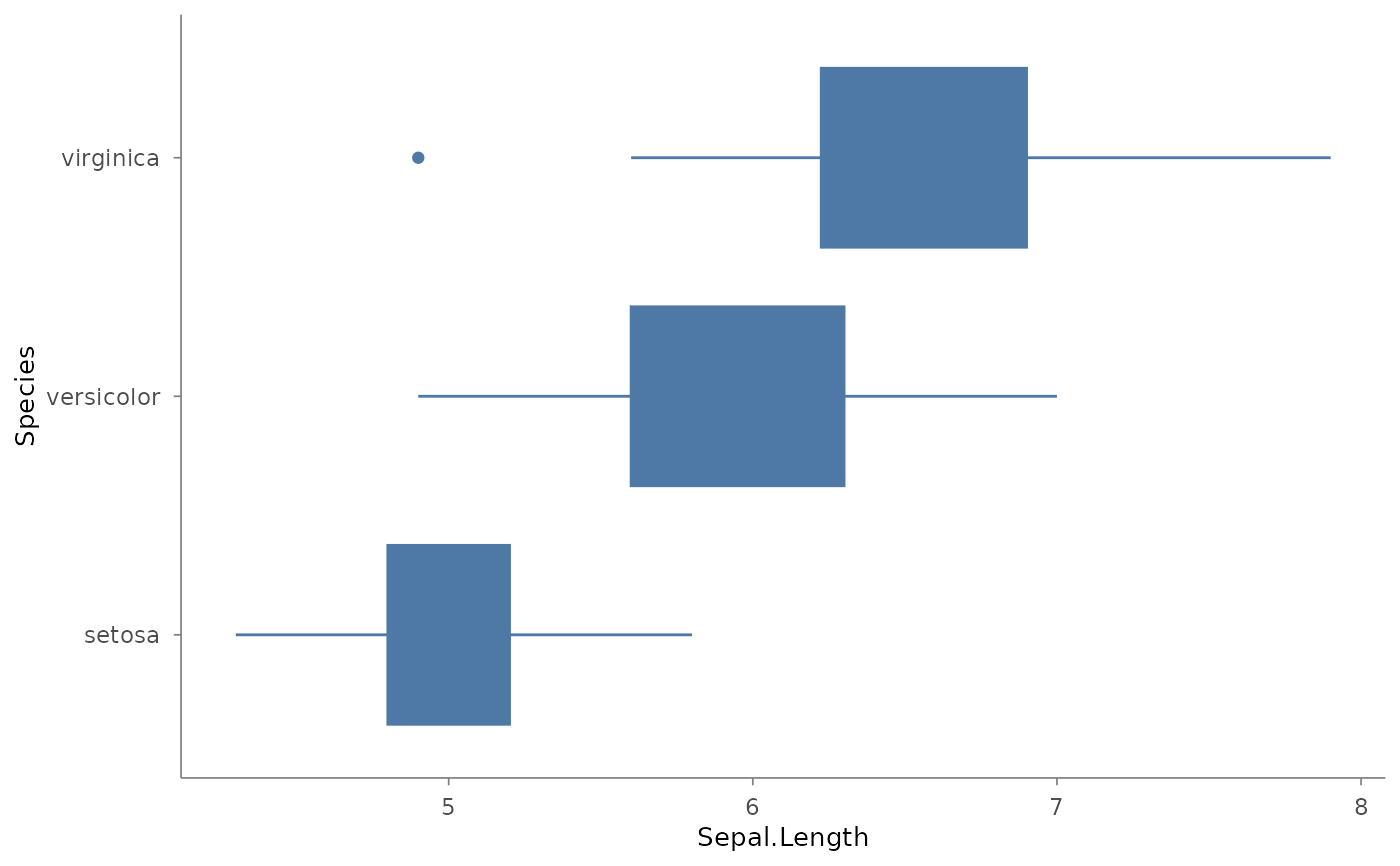
plotit(iris, encode(x = Species, y = Sepal.Length)) |>
  mark_boxplot() |>
  project_cartesian(flip = TRUE)